
When visitors land on your website, they usually decide within a short time whether your business feels relevant and professional. If your website is confusing, slow, or unclear, potential customers may leave before taking any action.
A strong business website should guide visitors smoothly. It should communicate your services, benefits, trust signals, and contact path in a simple and professional way.
Why Clear Website Communication Matters
Your website is often the first impression of your business. Before customers call, message, or book a service, they usually check your website to understand your company.
A clear website helps visitors answer the questions that matter most: what you do, who you help, why they should trust you, what services are available, and what step they should take next.
When these answers are easy to find, visitors feel more confident. Clear communication improves trust, reduces confusion, and increases the chance of getting inquiries or leads.
1. Explain What Your Business Does
The first section of your website should quickly explain what your business offers. Visitors should not have to scroll too much or guess what your company does.
Your homepage headline should be simple, direct, and service-focused. It should tell people what problem you solve or what result you provide.
Instead of writing "We create digital solutions for success," a clearer headline would be: "Professional Website Design, SEO, and Branding Services for Growing Businesses."
Your website should clearly mention your main services, target customers, and business purpose. This helps visitors understand whether your company is the right fit for their needs.
2. Show Your Services Clearly
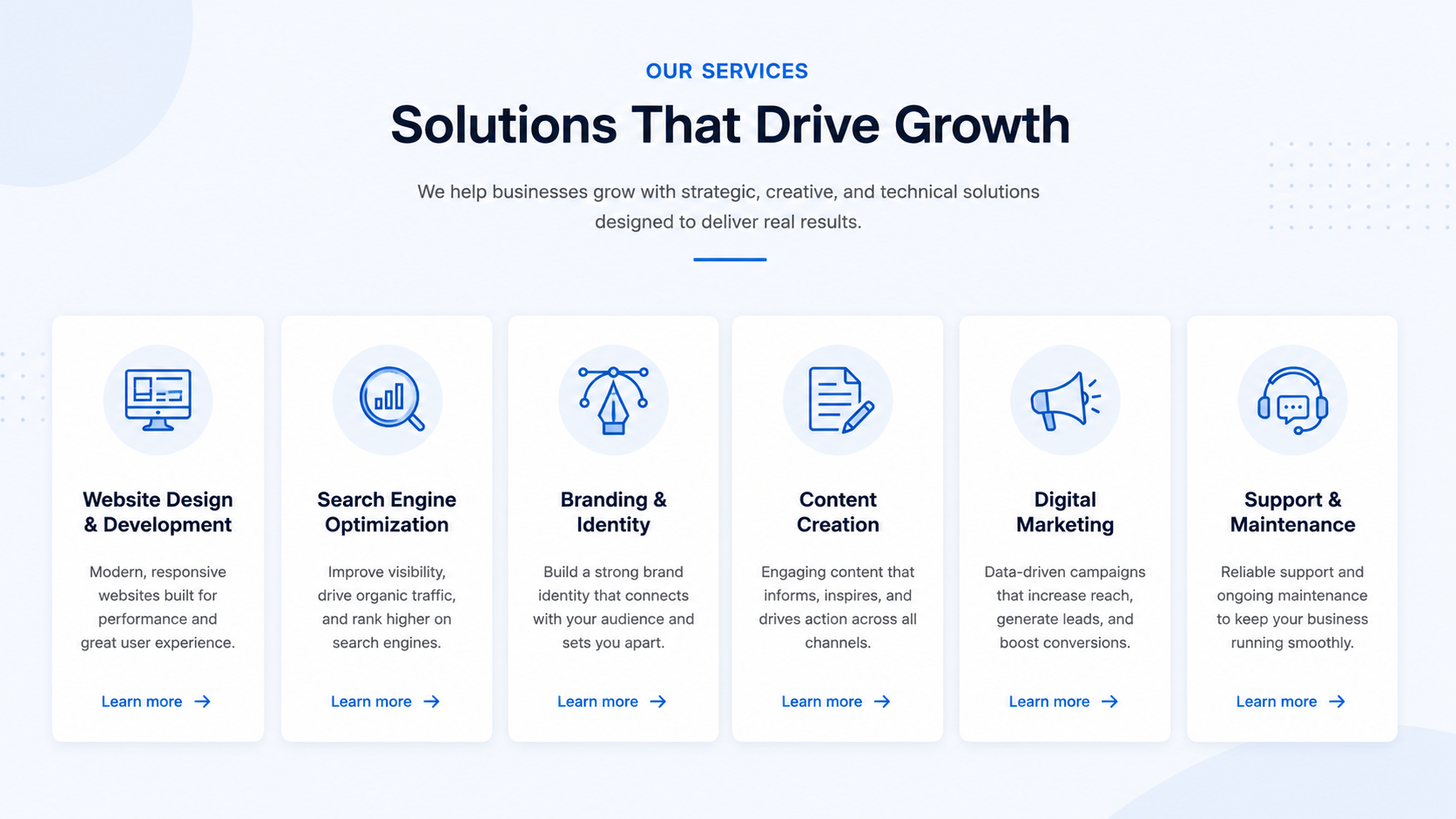
Every business website should have a dedicated section for services. This section should explain what you provide in a way that is easy to scan.
Each service should have a clear title, short description, and benefit-focused explanation. Customers want to know exactly what they are getting and how it can help them.
Clean, responsive, and professional websites that help businesses present their services clearly and generate inquiries.
Improved website structure, keywords, and local search visibility so more customers can find your business online.
Consistent content for social media, websites, and digital campaigns.
Focused pages that explain each offer, who it helps, and how customers can take action.
3. Highlight the Main Benefits
A website should not only explain what you do. It should also explain why it matters to the customer.
Benefits help visitors understand the value of your services. They show how your business can solve their problems, save time, improve results, or support growth.
For example, instead of only saying "We offer SEO services," explain the benefit: "Our SEO service helps your business improve search visibility, attract relevant visitors, and generate long-term organic leads."
Help more people discover your business when they search online.
Make your brand feel credible, organized, and easy to understand.
Guide visitors toward calls, quotes, bookings, and contact forms.
Show customers where you serve and how your business can help nearby audiences.
4. Add Trust Signals
Trust signals are elements that make your business look reliable and professional. They help visitors feel safer before contacting you.
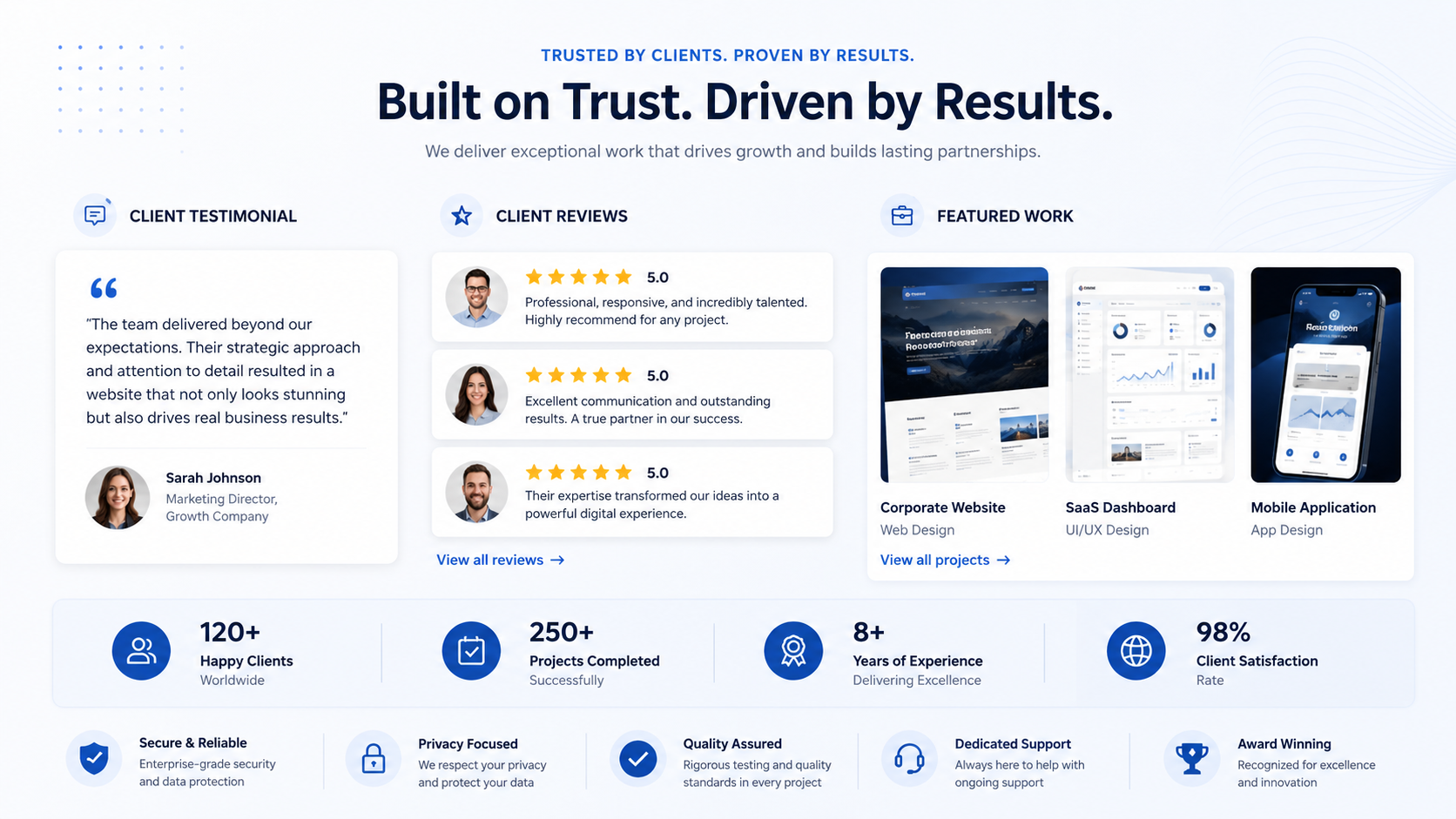
A business website should include testimonials, client feedback, project examples, portfolio work, certifications, business experience, reviews, case studies, and clear company information.
"DB Nexio helped us present our brand more professionally online. The process was clear, organized, and focused on practical growth."
Trust signals are especially important for service businesses because customers want to know that they are working with a capable and reliable team.
5. Explain Who You Help
A business website should make it clear who the services are designed for. When visitors see that your business understands their needs, they are more likely to stay and take action.
A digital marketing company can mention that it helps small businesses, service providers, startups, local companies, personal brands, growing businesses, and professional service firms.
Instead of trying to speak to everyone, your website should speak clearly to the type of customers you want to attract.
6. Make the Contact Path Easy
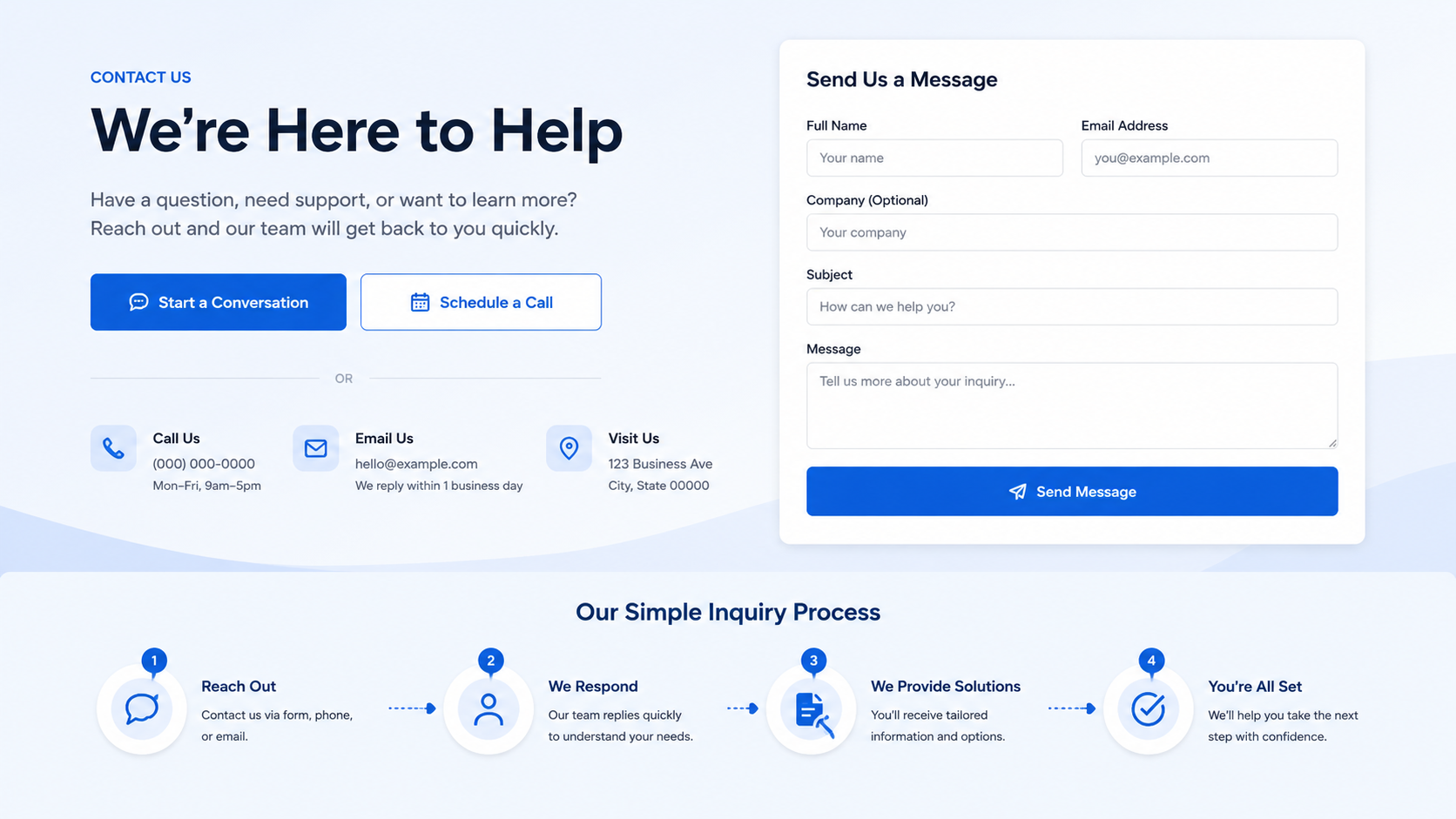
One of the most important parts of a business website is the contact path. Visitors should know exactly how to reach you.
Your website should include clear call-to-action buttons such as Contact Us, Book a Consultation, Request a Quote, Get Started, Call Now, and Send an Inquiry.
These buttons should be placed in important sections of the website, including the hero section, service section, about section, and footer.
Your contact page should also be simple. It should include your phone number, email address, contact form, business location, service area, and social media links if needed.
7. Explain Your Process
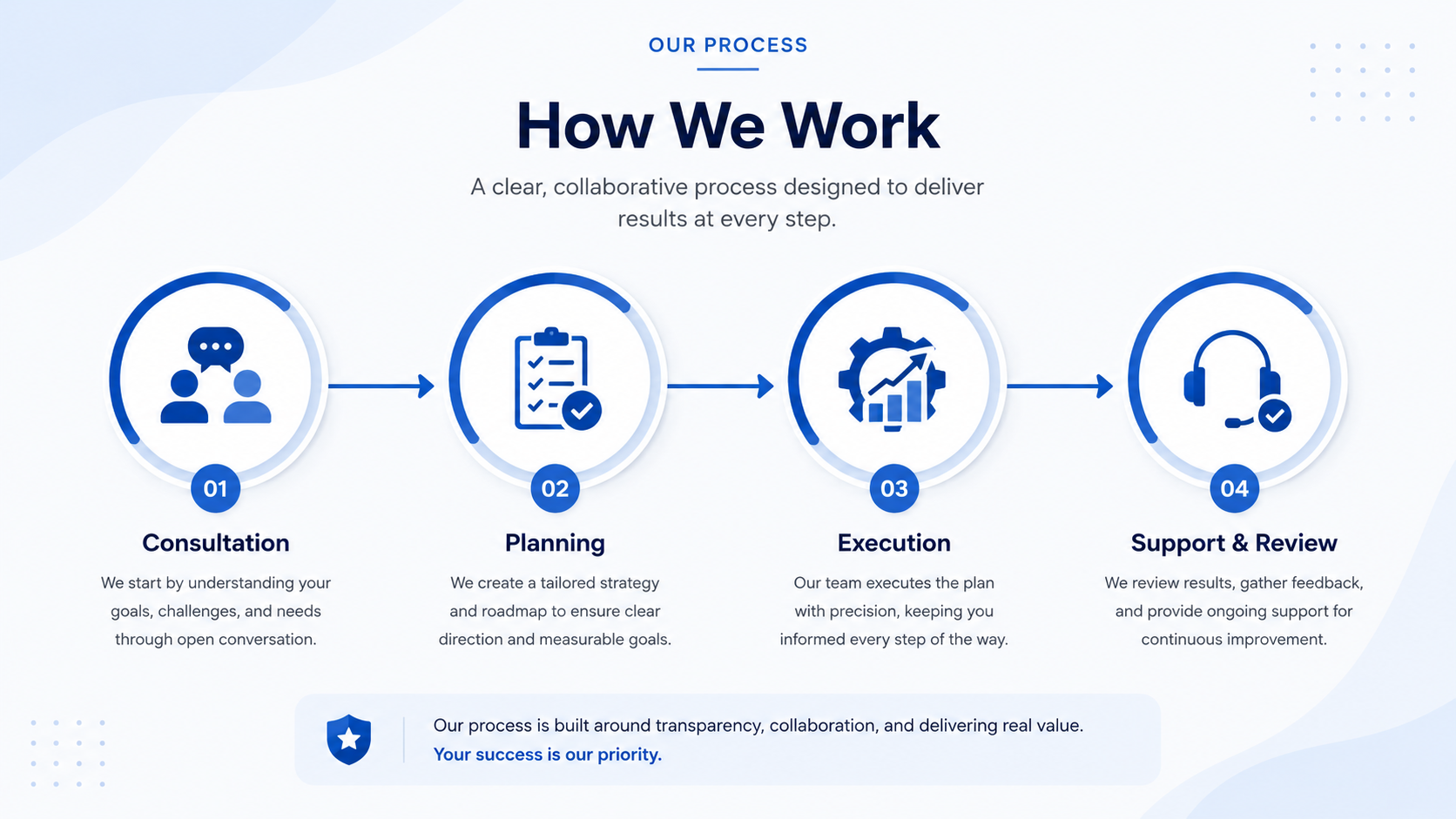
Customers often want to know what happens after they contact you. A simple process section can make your business look more organized and professional.
Understand your business goals, services, and current digital presence.
Create a clear strategy based on your needs, audience, and growth goals.
Build, optimize, or improve your website, content, and digital assets.
Review the work, make improvements, and provide guidance for next steps.
8. Keep the Message Simple
A website should be professional, but it should not be difficult to understand. Many businesses make the mistake of using too much technical language.
Simple wording works better because most customers want quick answers. They want to understand what you do, how it helps them, and how to contact you.
Use clear phrases like "We design professional websites for service businesses," "We help local customers find your business online," and "We create clean brand content for websites and social media."
9. Use Clear Visual Sections
Website visitors usually scan before they read. This means your website should be visually organized. Use sections that separate information clearly, and make sure each section has a purpose.
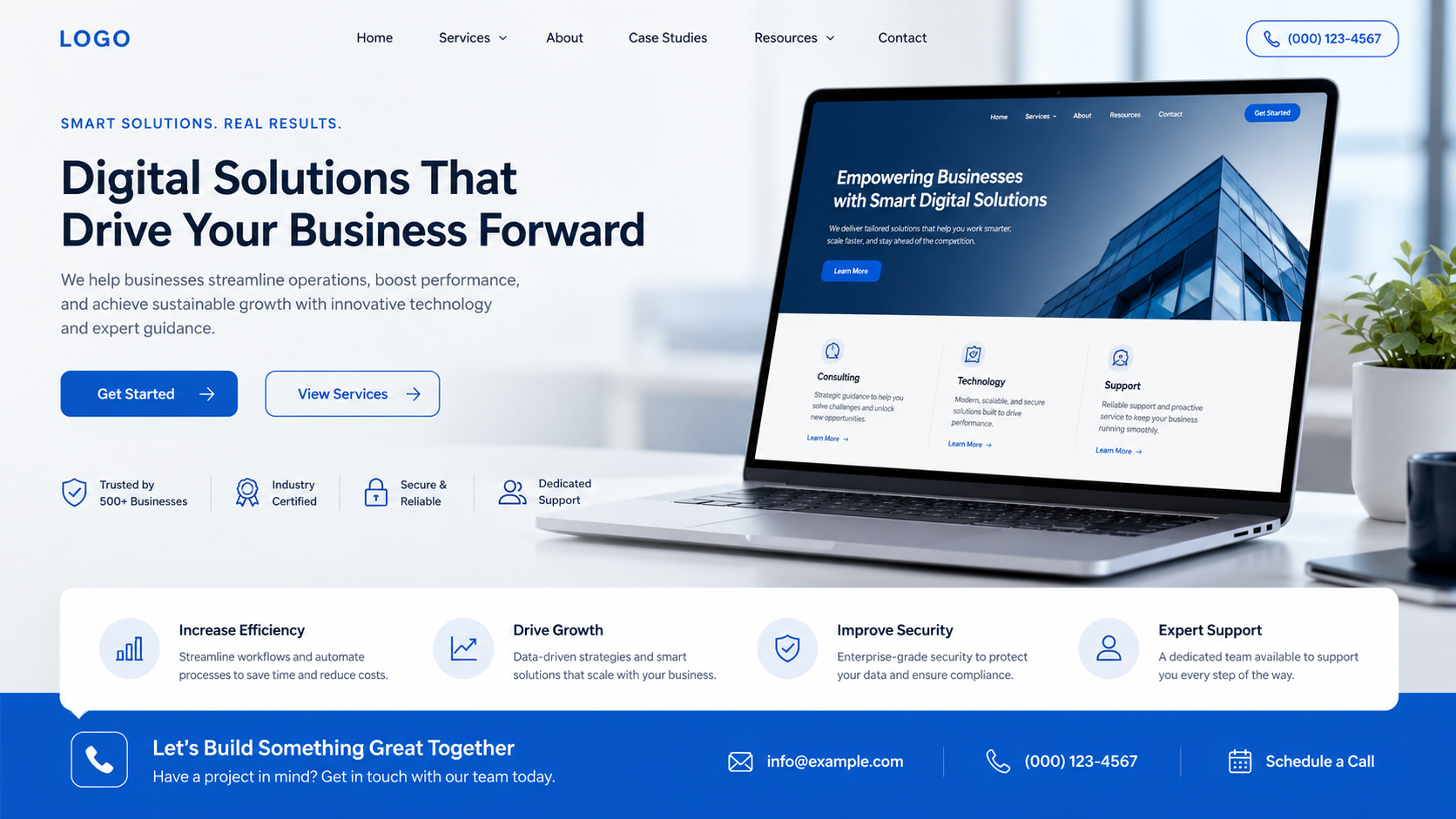
A strong business website may include a hero section, service overview, about section, benefits section, process section, testimonials, portfolio, FAQ section, contact section, and footer.
Good spacing, clear headings, professional images, and easy navigation help visitors understand your business faster. The design should support the message, not distract from it.
10. Include Frequently Asked Questions
An FAQ section helps answer common customer concerns before they contact you. It can also reduce confusion and save time.
List your main services and link to detailed pages when possible.
Give visitors a realistic expectation before they inquire.
Answer service combinations clearly so customers understand your offer.
Explain the exact next step and make the contact path obvious.
Practical Website Clarity Checklist
Use this checklist to review your business website:
- Your homepage clearly explains what your business does.
- Your services are listed with simple descriptions.
- Your main benefits are easy to understand.
- Your contact button is visible.
- Your testimonials or reviews are included.
- Your business process is explained.
- Your website has professional images.
- Your navigation is simple.
- Your contact details are easy to find.
- Your website works well on mobile.
- Your content uses clear and simple language.
- Your footer includes important links.
- Your service area is mentioned if you serve local customers.
- Your website builds trust before asking visitors to contact you.
Conclusion
Every business website should explain services, trust signals, benefits, and contact options clearly. A website should not make visitors guess what your business does or how to reach you.
When your website is clear, professional, and easy to use, customers can quickly understand your value. They can see what you offer, why they should trust you, and what step to take next.
A strong website communicates with purpose. It guides visitors from interest to action and helps your business create a better first impression online.